

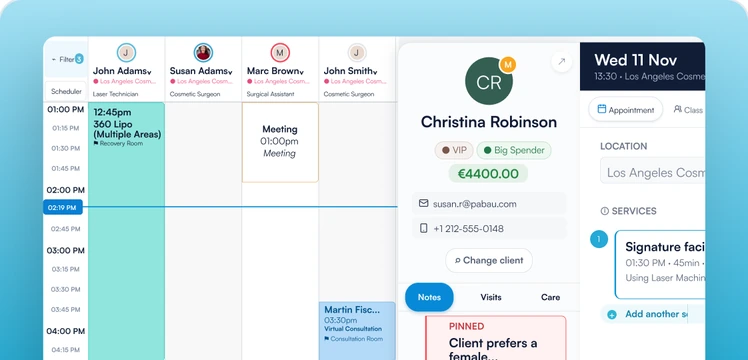
Pabau University
Get confident in Pabau for the job you do
Pick your role and learn the parts of Pabau you use every day. Lessons are short enough to watch between appointments, and you follow along in your own account.

01 · Start here
Get started with Pabau
Every new team's first stop. It takes you from your first log-in to going live, in the order you set Pabau up.
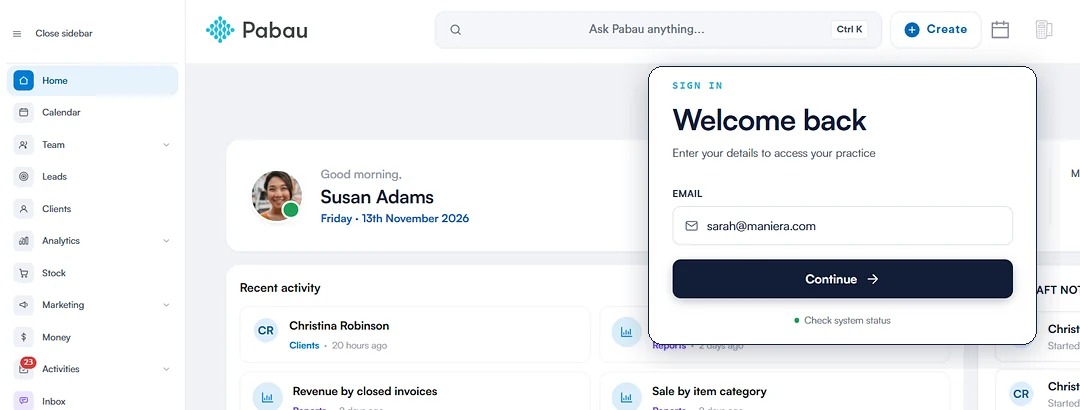
Recommended first
Get started
Each lesson links to its full course, so you know where to go deeper.
Role collectionsNew
Courses built for your job
Master your daily tasks with lessons picked for exactly what you do.
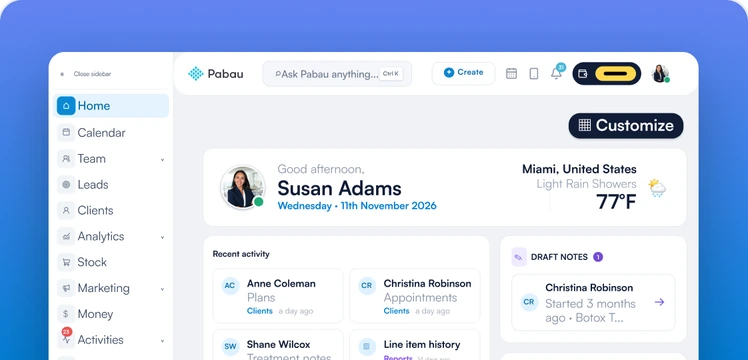
30 lessons
Patient coordinator
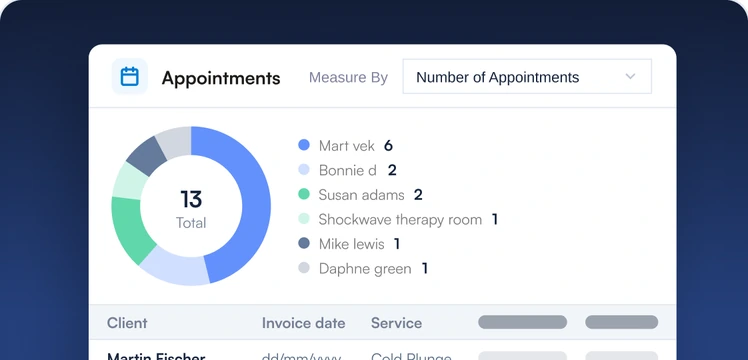
Check clients in on the iPad, chase forms, take photos and sell plans.
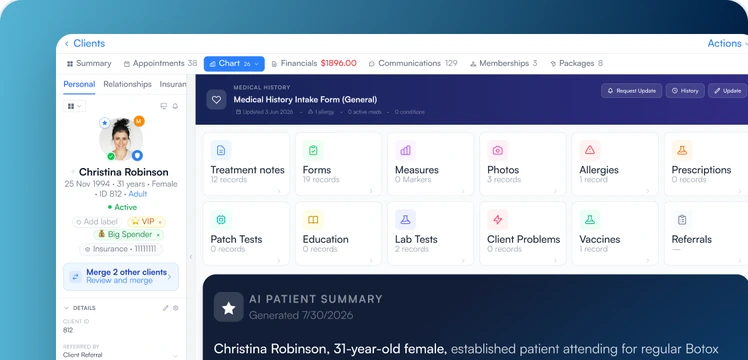
Pabau Certified
Get certified in your role
Finish a role's core lessons, pass a short knowledge check, and earn your Pabau Certified badge. Share it on LinkedIn to show you know Pabau in your role.
- Show your skills. Add your badge to LinkedIn or your CV in one click. Anyone can check it with its verify link.
- Certify the whole practice. When every team member is certified in their roles, your practice earns the Pabau Certified Practice badge for your website.
- Go for gold. Finish every course in the University to earn Pabau Expert, our gold certificate.
- Stay current. Badges last a year. Short update lessons keep them active as Pabau grows.





Pabau ExpertFinish every course, every role and extra lesson
Booking and check-inTaking paymentsSelling packagesEngage inboxEnd of day
02 · All courses
All courses
2 Foundations courses and 27 across six roles. Some courses count toward more than one role.
Foundations
In Get started
Getting started with Pabau
Log in, find your way around and get help fast.
6 lessons · 6 core
Enroll
Front desk

Front desk essentials
Create clients, book appointments and check people in.
7 lessons · 7 core
Enroll
Front desk

Managing the calendar
Views, blockouts, rooms, classes and the waitlist.
7 lessons · 4 core
Enroll
Front desk

Taking payments
Take payments, deposits and invoices at the Point of Sale.
7 lessons · 5 core
Enroll
Front desk

Selling at the front desk
Sell packages, memberships, gift cards and add-ons at checkout.
6 lessons · 3 core
Enroll
Front desk

End of day and money handling
Refunds, client credits, payment plans and closing the day.
5 lessons · 3 core
Enroll
Provider

Provider essentials
Your day, the client card and completing an appointment.
7 lessons · 6 core
Enroll
Provider

Records, forms and consent
Forms, consent, treatment notes, photos and charting.
7 lessons · 6 core
Enroll
Provider

Pabau AI
Draft notes, summaries and letters with AI Scribe.
4 lessons · 3 core
Enroll
Provider

Pabau GO on mobile
Run your day, clients and payments from Pabau GO on iOS.
1 lesson · 1 core
Enroll
Provider

Advanced clinical
Prescribing, labs, vaccines, patch tests and video consultations.
8 extra lessons
Enroll
Practice manager

Setting up your practice
Business details, locations, rooms, taxes and importing your data.
9 lessons · 8 core
Enroll
Practice manager

Building your service menu
Services, packages, add-ons, classes and online booking rules.
5 lessons · 3 core
Enroll
Practice manager

Your team
Add your team, then set permissions, schedules and time off.
5 lessons · 5 core
Enroll
Practice manager

Money setup
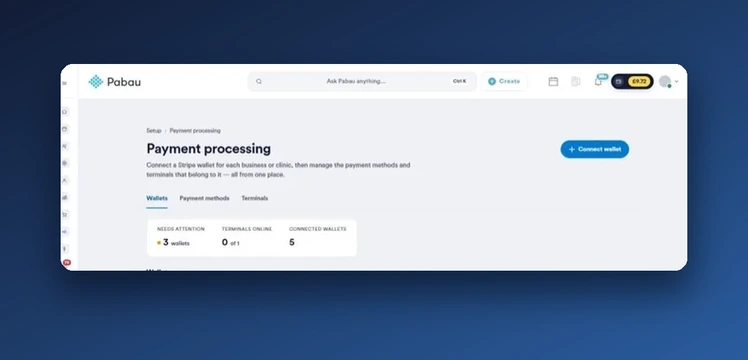
Payment types, invoices, deposits and Pabau Pay card terminals.
5 lessons · 5 core
Enroll
Practice manager

Client communication setup
Reminders, templates, sender addresses, credits and Engage numbers.
5 lessons · 3 core
Enroll
Practice manager

Payroll and commissions
Timesheets, wages and commissions.
1 lesson · 1 core
Enroll
Practice manager

Memberships and insurance billing
Membership plans, subscriptions and insurance claims.
2 lessons · 2 core
Enroll
Practice manager

Stock and inventory
Products, kits, orders, counts and inventory across locations.
1 lesson · 1 core
Enroll
Practice manager

Reports and analytics
Financial, client and team reports, plus custom reports.
4 lessons · 4 core
Enroll
Practice manager

Compliance, disputes and integrations
Disputes, GDPR and HIPAA, integrations and the API.
2 lessons · 2 core
Enroll
Marketing

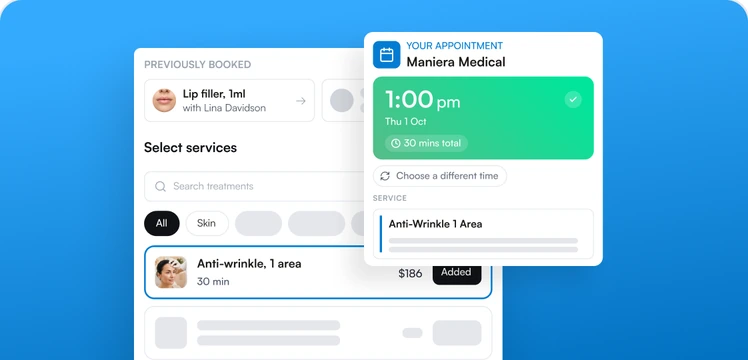
Getting found and booked online
Online booking, the client portal and Reserve with Google.
2 lessons · 2 core
Enroll
Marketing

Marketing campaigns
Email and SMS broadcasts, automations and lead capture forms.
2 lessons · 2 core
Enroll
Marketing

Retention and loyalty
Loyalty, referrals, reviews and feedback surveys.
4 lessons · 3 core
Enroll
Marketing

Segmentation and Marketing Plus
Group clients with labels and views, plus the Marketing Plus add-on.
3 lessons · 1 core
Enroll
Front desk

Leads and activities
Track leads through pipelines and turn them into clients.
2 lessons · 2 core
Enroll
Marketing

Workflows
Build workflows for recalls, follow-ups and no-shows.
3 lessons · 2 core
Enroll
Foundations
Coming soon
Pabau for your practice type
Pabau for aesthetic, surgical, medical, rehab and wellness practices.
6 extra lessons
Front desk

Coming soon
Client conversations with Engage
Texts and email in one inbox. Engage Plus adds WhatsApp and calls.
6 lessons · 2 core
03 · Who makes the lessons
Who makes the lessons
Our Customer Education team builds every lesson.


Stefani
Customer Education Specialist
Worked with hundreds of practices in Customer Success before joining Customer Education, so her lessons start from the questions practices ask most.

Erdin
Customer Education Specialist
Builds the lessons on payments, clinical records and AI Scribe, from taking a payment to writing a treatment note.

Lina
Customer Education Specialist
Turns Pabau features into step-by-step video lessons, from managing the calendar to automating follow-ups with Workflows.
04 · What practices say
Trusted by 4,000+ practices
“Honestly, it’s the easiest platform that we’ve ever trained on. The 20, 30-year-olds that grew up with computers, they use it like it’s Facebook or Instagram.”
 Stephanie QuintanaCo-founder and COO, Keystone Medical Wellness
“They don’t leave you. They’re there with you the entire time, and that makes a huge difference.”
 Amy TurnerCo-founder and owner, DRIPwoRX
“What stood out for me was the structure and organization. I needed for things to be in the place that it said it was gonna be in, and it was easy for me to find.”
 Joanna AmaranteOwner, Fabulously Made
05 · Questions
Before you start
Cannot find an answer? Browse the Knowledge Base or ask your Pabau account manager.
Open Knowledge BaseIs Pabau University part of onboarding?
Yes. Every new practice starts with Get started, and each team member is assigned the courses for their roles. Your onboarding team works through it with you, so live sessions go on your setup, not on the basics.
Is it free?
Yes. Pabau University is free for every Pabau customer, and everyone at your practice can have their own account.
Where should I start?
With Get started. Then pick your roles: front desk, patient coordinator, provider, practice manager, finance or marketing. Pick every role you cover, and add more any time.
Which role should I pick?
Pick the work you do day to day, not your job title. If you cover reception and payments, take Front desk. A course you finish counts toward every role it belongs to.
I did the Pabau Academy a while ago. Should I do it again?
Yes. Pabau changes a lot, and the University was rebuilt for how it works today. Going through it again refreshes the basics and shows you the new features as we add them.
How long does it take?
Most lessons take 1 to 2 minutes, so you can fit one in between appointments. Each course page shows its total video time.
How do I get a certificate?
Finish the core lessons for a role and pass a short knowledge check. Extra lessons are there when you need them and don't count toward the certificate.
How long does a certificate last?
A year. Short update lessons keep it active as Pabau changes.
Do I need a separate log-in?
Yes. Pabau University uses its own log-in, not your Pabau one. You create it the first time you enroll.